



AI study planners can help organize a schedule, but the useful comparison is how a tool handles your real tasks. This article looks at Taskade, Morgen and Tiimo through planning, time estimates and competing priorities.
For many students, constant stress over missed deadlines and a mounting to-do list is the biggest hurdle. It‘s rarely about a lack of hard work — the breakdown usually happens in the planning phase. When your schedule is a mess, even the most dedicated effort can feel like it’s going nowhere. According to real students, here are common time-management pitfalls and AI-powered solutions to remedy them.
Table of Contents
AI study planners: The Three Biggest Student Time Management Pitfalls (And AI Solutions)
Research and student feedback consistently point to three major challenges that derail academic schedules: underestimating task duration, juggling conflicting priorities, and emotional paralysis when things go wrong. Each pitfall has a corresponding AI tool that can help.
Pitfall 1: The Work Took Way Longer Than You Thought
Students often spend six hours on reading materials they assumed would take one hour to absorb. Expectations often don‘t line up with reality once you get into the trenches.
AI solution: Microsoft Copilot to review assignments and provide realistic time estimates. Copilot is built into Microsoft Edge and can quickly review web pages, learning materials, assignments and deadlines as you’re looking at them. You can ask Copilot to give you estimates on how much time it might take to complete and prepare for the work without having to copy and paste anything. This helps you plan realistically rather than optimistically.
Pitfall 2: Personal And Professional Priorities Outweigh Schoolwork
When balancing coursework with work that pays the bills, assignments can sometimes fall into the “out of sight, out of mind” category. One senior described this as a major impediment to keeping their time management on point.
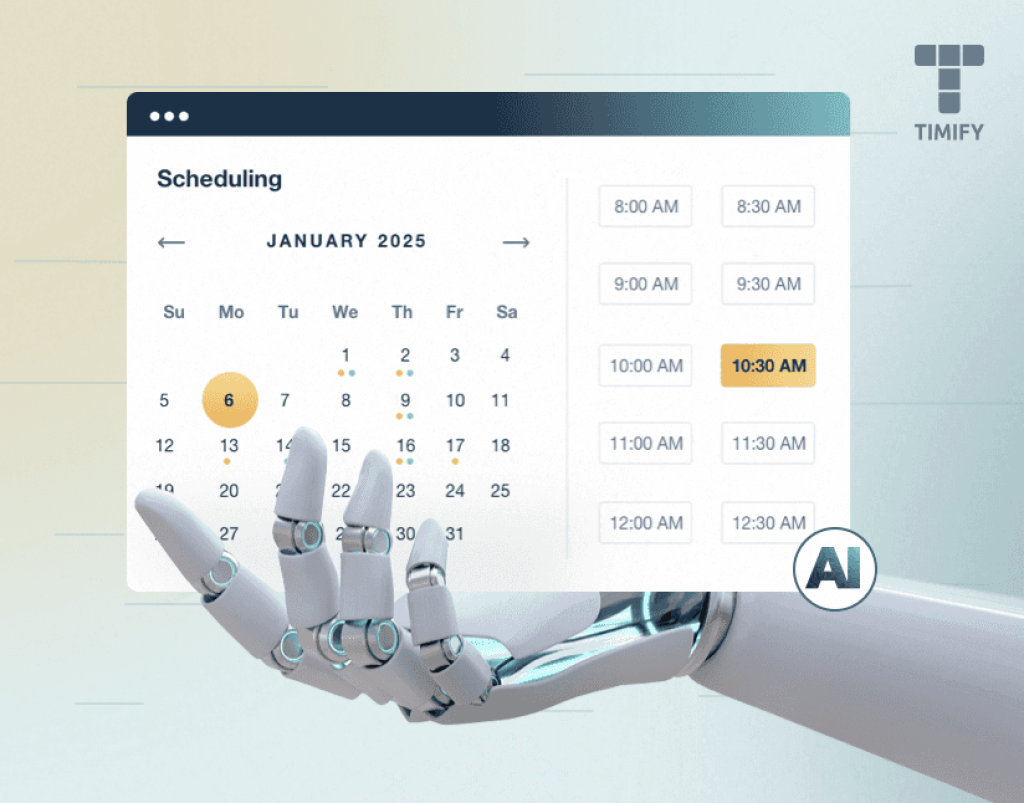
AI solution: Google Gemini to set reminders about assignments and due dates, and automatically fill your calendar. Once you give Gemini permission to access your other Google tools, you can drop a timeline into the chat and Gemini will do the heavy lifting of filling out your calendar for you. This ensures coursework stays visible alongside work and personal obligations.
Pitfall 3: Something Went Wrong And You‘re Just Over It
The emotional domino effect of missing something when you’re already overwhelmed can be deadly to your overall grade. If you let “IDGAF disease” set in, recovery becomes exponentially harder.
AI solution: Abby, an AI chatbot that aims to provide the comfort and guided introspection of a therapist. Abby gives you a sounding board to review your feelings, find the silver lining, and identify areas for improvement. Early in the conversation, Abby analyzes your situation as you‘ve explained it and provides positive traits it identifies in you, as well as suggestions for areas for improvement. This helps break the emotional paralysis cycle before it derails your entire semester.
Additional AI Study & Time Management Tools
Beyond the three core solutions, a growing ecosystem of specialized AI tools helps students automate scheduling, manage tasks, and optimize study sessions. Below is a comparison of top tools available in 2026.
| Tool | Primary Function | Key Features | Best For |
|---|---|---|---|
| Taskade | AI study planner | 7 project views (Calendar, Mind Map, Gantt, etc.), note-taking, study material generation, free tier available | Students needing all-in-one scheduling + note-taking |
| Morgen AI Planner | Daily/weekly planning | Recommends task timing based on capacity, priorities, due dates; syncs with calendar | Students who want AI to build their daily schedule |
| Tiimo | Executive function support | AI priority grouping, focus timer, syncs with Apple Calendar; global downloads 3M+ | Neurodivergent students or those with focus challenges |
| Reclaim AI | Smart calendar assistant | Auto-schedules classes, study sessions, tasks before due dates; prevents overcommitment | Students with complex weekly schedules |
| NotebookLM | Research + scheduling | Summarizes documents, creates study outlines, exports schedules to Google Calendar | Research-heavy courses requiring document synthesis |
| Quizlet AI | Flashcards + study | AI generates flashcards and personalized quizzes from notes; AI tutor feature | Memorization-heavy subjects (languages, sciences) |
| Acadex | Study planner | Manages homework, tracks assignments, keeps class schedule organized, AI assistant | High school and college students tracking multiple courses |
How To Implement AI Time Management: A Step-By-Step Workflow
Rather than trying every tool at once, start with a simple three-step workflow that addresses the most common failure points.
Step 1: Get realistic time estimates before you start
When you receive a new assignment, open it in your browser. Activate Microsoft Copilot (built into Edge) and ask: “Based on this assignment, how long will it realistically take to complete?” Use the estimate to block time in your calendar. This single step eliminates the #1 source of student stress — underestimation.
Step 2: Build a live calendar that balances everything
Connect Google Gemini to your Gmail and Google Calendar. Tell Gemini about all your commitments — class times, work shifts, extracurriculars, and personal obligations. Then ask it to “fill my calendar with study time for each assignment before its due date.” Gemini will automatically schedule study blocks without overbooking you.
Step 3: Use a specialized planner for weekly organization
For ongoing task management, choose one tool from the comparison table that fits your style. Taskade works well for students who want visual flexibility (mind maps, boards, timelines). Morgen is ideal if you want AI to build your daily schedule from scratch. Tiimo is excellent for students who struggle with executive function or focus.
Evidence: What Research Says About AI Study Tools
A study of 30 university students across various subject areas found that AI tools are most effective when used for the planning and researching stages of assignments. Students rated AI resources as highly effective (7.7 out of 10 points) for structuring their academic work. The research concludes that AI enables “active participation” in the learning process, empowering students to be knowledge producers rather than just consumers.
Pros And Cons Of AI Time Management For Students
| Pros ✅ | Cons ❌ |
|---|---|
| Eliminates time underestimation — AI provides realistic task duration estimates | Requires initial setup and learning curve for each tool |
| Automates calendar filling — no manual scheduling of study blocks | Some advanced features require paid subscriptions (Pro tiers) |
| Reduces emotional overwhelm — AI chatbots like Abby provide reflective sounding boards | Privacy considerations when granting AI access to calendars and documents |
| Works across devices — most AI tools sync between phone, tablet, and laptop | Over-reliance on AI can weaken natural time estimation skills |
| Free options available — Copilot (Edge), Gemini (basic), and Taskade (free tier) | Limited offline functionality — most AI tools require internet connection |
| Research-backed — studies confirm effectiveness for planning and task structuring | AI can miss nuance in qualitative assignments (essays, creative projects) |
Frequently Asked Questions (FAQs)
Is Microsoft Copilot free for students?
Microsoft Copilot is included with Edge browser at no additional cost. It does not require a paid subscription to provide time estimates on web-based assignments. For deeper integration with Office apps, a Copilot Pro subscription may be required.
Do I need to pay for Google Gemini to use calendar features?
Basic Google Gemini features, including calendar integration and reminders, are available for free with a Google account. Premium tiers offer enhanced capabilities but are not necessary for basic study time management.
Can I use these AI tools offline?
Most AI tools require an active internet connection to function. However, once a schedule is generated and synced to your calendar app (Google Calendar, Apple Calendar), you can view it offline.
Are there privacy risks with giving AI access to my assignments and calendar?
Yes. Before granting any AI tool access to your personal data, review its privacy policy. For sensitive coursework (e.g., research data, unpublished work), consider using local AI models or avoiding cloud-based tools entirely.
What if I have ADHD or executive function challenges?
Tiimo is specifically designed for students with ADHD and executive function difficulties. It has won accessibility awards and is downloaded over 3 million times globally. The app provides visual schedules, focus timers, and reduces mental load for task initiation.
For related coverage, explore Electronics & Technology on TopDealAccess.