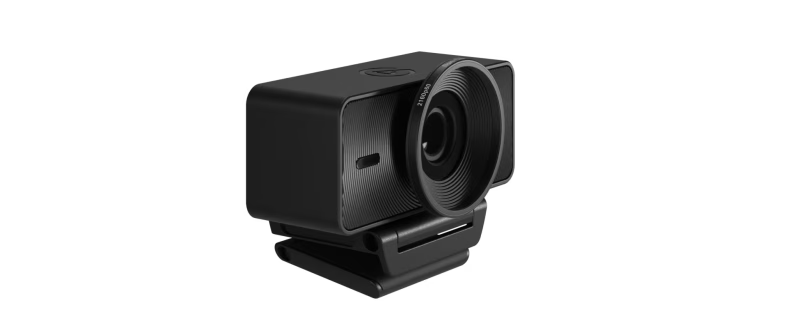
The Elgato Facecam 4K is back down to its record-low price of 160 US dollars on Amazon. This is a 40 USD saving from its regular price of 200 USD. The deal is not expected to last long, as the Facecam 4K rarely drops to this price point. The webcam uses a Sony Starvis 2 CMOS sensor and Elgato‘s Prime Lens technology to deliver 4K resolution at 60 frames per second. It is designed for streamers, content creators and professionals who spend a lot of time on video calls. This review covers the key specifications, image quality, software, and why this deal is worth considering if your current webcam makes you look like a featureless blob on Zoom calls.
Key Specifications And Features
The Elgato Facecam 4K is a premium webcam aimed at users who want sharp, natural-looking video without the complexity of a mirrorless camera setup. The table below summarises its core specifications based on product listings and expert reviews.
| Feature | Specification |
|---|---|
| Sensor | Sony Starvis 2 CMOS (1/1.8‑inch) |
| Max Resolution | 4K (3,840 x 2,160) at 60 fps |
| Lens | Elgato Prime Lens (fixed focal length) |
| Field of View | 84 degrees (adjustable via software) |
| Focus | Fixed focus (optimised for face-to-screen distances) |
| Connection | USB 3.0 (USB-C to USB-A cable included) |
| Mounting | Universal monitor clamp, 1/4‑inch tripod thread |
| Filter Thread | 49mm (standard, for adding lens filters) |
| Software | Elgato Camera Hub (Windows, macOS) |
| On‑Camera Controls | None (all settings via software) |
| Built‑in Flash Storage | Yes (saves settings between sessions) |
| Price (regular) | 200 USD |
| Price (deal) | 160 USD (Amazon) |
The Sony Starvis 2 sensor is known for its excellent low‑light performance, which is a major upgrade over the tiny, noisy sensors found in most laptop webcams. The 4K resolution at 60 frames per second provides smooth, detailed video even when you crop in or stream at 1080p. The fixed lens is optimised for the typical distance between a user and their monitor, keeping your face in sharp focus without hunting or pulsing.
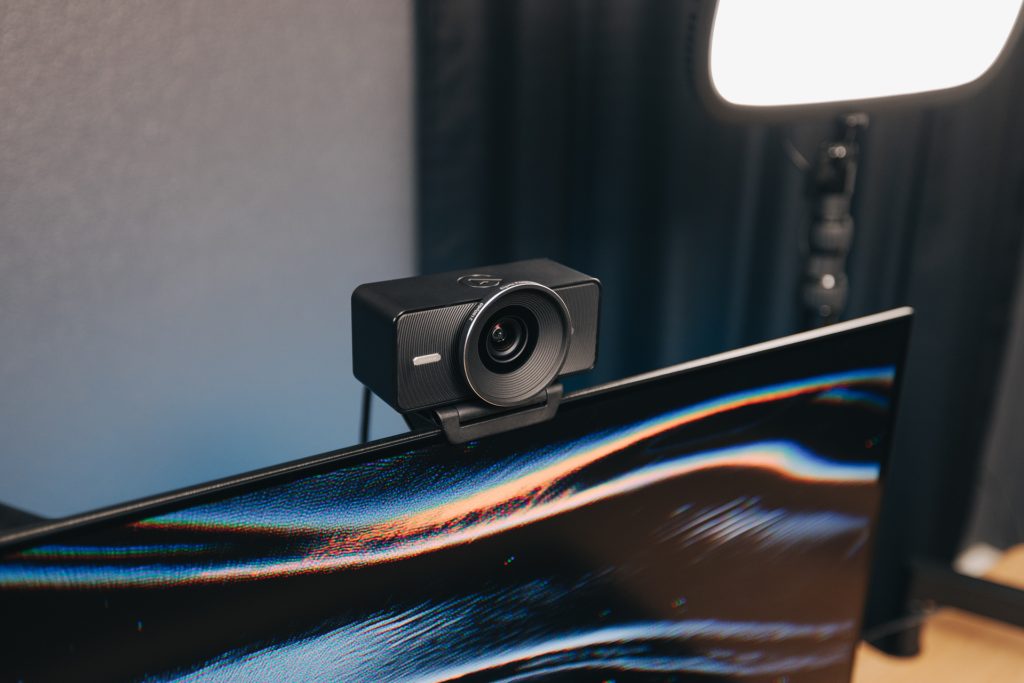
Image Quality And Low-Light Performance
The Elgato Facecam 4K produces significantly better image quality than almost any built‑in laptop webcam. The larger 1/1.8‑inch sensor captures more light, which reduces grain and preserves detail even in dimly lit rooms. The 4K60 capture allows you to stream at 1080p with oversampling, which results in a cleaner, sharper image than a native 1080p webcam can produce.
In good lighting, the colours are accurate and skin tones look natural. The exposure adjusts smoothly, avoiding the harsh jumps common in cheaper webcams. The fixed focus means you never have to wait for the camera to hunt for your face. However, it also means you cannot show close‑up details like a product or a document without moving back from the camera.
The low‑light performance is where the Sony Starvis 2 sensor shines. Even with only a desk lamp as a light source, the Facecam 4K maintains a clean image with manageable noise. This is a major advantage over webcams like the Logitech Brio 4K, which can become very grainy in less‑than‑ideal lighting.
Elgato Camera Hub Software
The Elgato Facecam 4K does not have any on‑camera controls. All adjustments are made through the free Elgato Camera Hub software, which is available for Windows and macOS. The software is well‑designed and easy to use.
Key software features include:
- Manual exposure control (shutter speed, ISO, gain)
- White balance adjustment (presets and manual)
- Contrast and saturation sliders
- Digital zoom and pan (up to 4x)
- Field of view adjustment (crops the sensor)
- Save multiple profiles for different lighting conditions
The ability to lock exposure and white balance is a professional feature rarely found on consumer webcams. It prevents the camera from brightening or darkening the scene when you lean back or change your position. The digital zoom is useful for framing your shot exactly how you want it, though cropping reduces effective resolution.
The built‑in flash storage saves your settings directly to the webcam. This means that you can unplug the Facecam 4K and move it to another computer, and all your settings will remain exactly as you set them. You do not need to reinstall software or reconfigure the camera on the new machine.
Elgato Facecam 4K Vs Logitech Brio 4K
| Aspect | Elgato Facecam 4K | Logitech Brio 4K |
|---|---|---|
| Sensor | Sony Starvis 2 (1/1.8‑inch) | Standard CMOS |
| Low‑Light Performance | Very good | Mediocre (grainy) |
| Autofocus | No (fixed focus, no hunting) | Yes (can be slow or pulse) |
| Field of View | 84 degrees (adjustable) | 90, 78, 65 degrees |
| Max Resolution / Frame Rate | 4K at 60 fps | 4K at 30 fps |
| Software | Camera Hub (powerful, professional) | Logi Options+ (basic) |
| On‑Camera Controls | No | Yes (privacy shutter, zoom) |
| Lens Filter Thread | 49mm (standard) | None |
| Price (deal) | 160 USD | 150 USD (typical sale price) |
The Logitech Brio 4K is the Facecam 4K‘s main competitor. The Brio has autofocus, which can be useful for showing objects up close, but it can also be slow and prone to pulsing. The Elgato‘s fixed focus is more reliable for face‑to‑camera conversations. The Elgato‘s superior low‑light performance and 4K60 capture give it a clear edge for streamers and professionals. The Brio is slightly cheaper on sale, but the Facecam 4K at 160 USD offers excellent value.
Pros And Cons Of The Elgato Facecam 4K
Pros
- Excellent low‑light performance thanks to the Sony Starvis 2 sensor.
- 4K resolution at 60 frames per second for smooth, detailed video.
- Fixed focus ensures your face is always sharp without hunting or pulsing.
- Free Camera Hub software gives you professional control over exposure and white balance.
- Built‑in flash memory saves settings to the camera, not the computer.
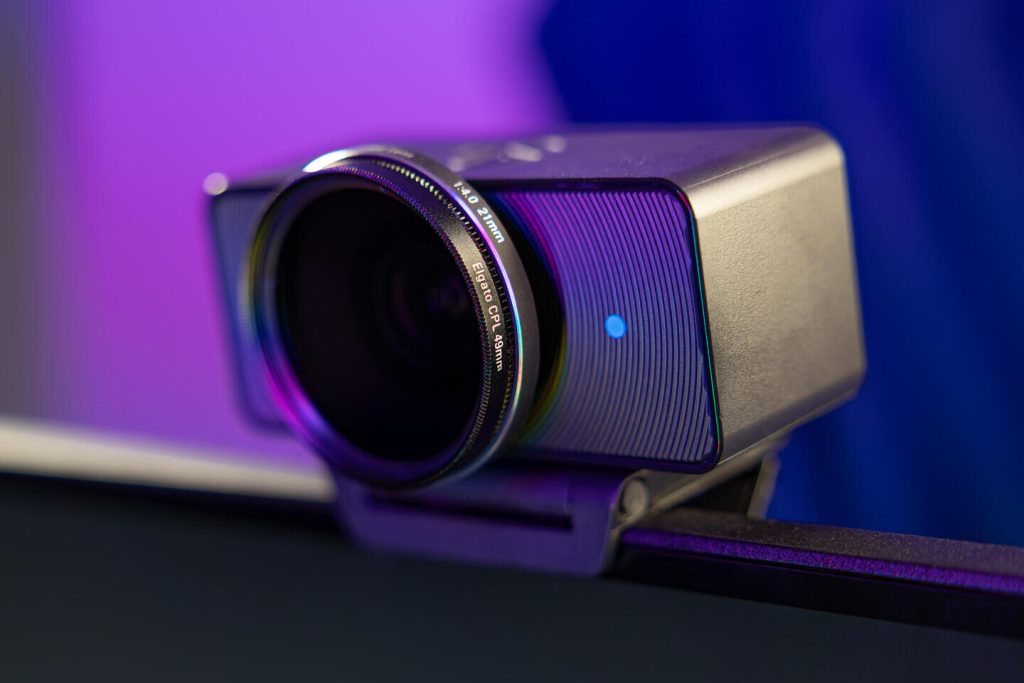
- 49mm filter thread allows you to add polarising or diffusion filters.
- Plug‑and‑play operation on Windows and macOS (no drivers required).
- Universal monitor clamp works with thick displays and laptops.
Cons
- No autofocus (cannot show close‑up objects without moving back).
- No on‑camera controls (requires software for any adjustment).
- Fixed focal length lens may feel too tight for some users (not wide‑angle).
- No built‑in privacy shutter (you can add a lens cap or use the software to blank the feed).
- Expensive compared to basic 1080p webcams (30‑50 USD).
- The USB cable is permanently attached to the camera (cannot be replaced if damaged).
Frequently Asked Questions (FAQs)
Is the Elgato Facecam 4K good for Zoom and Teams?
Yes. The Facecam 4K works with all video conferencing apps. You will need to set the resolution to at least 1080p in the app settings to see the benefit. Most apps do not support 4K video streams, but the downsampled 1080p image will be much sharper than from a native 1080p webcam.
Does the Elgato Facecam 4K have a microphone?
No. The Facecam 4K is a camera‑only device. It does not include a microphone. You will need a separate USB microphone or a headset for audio.