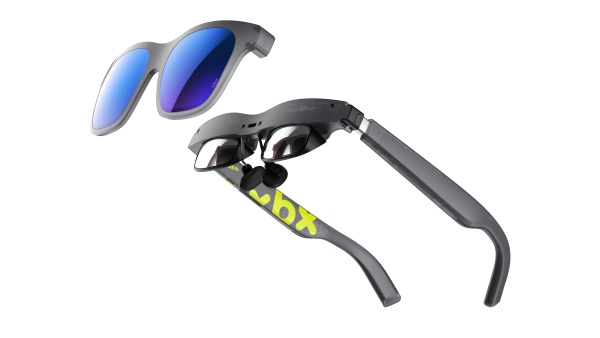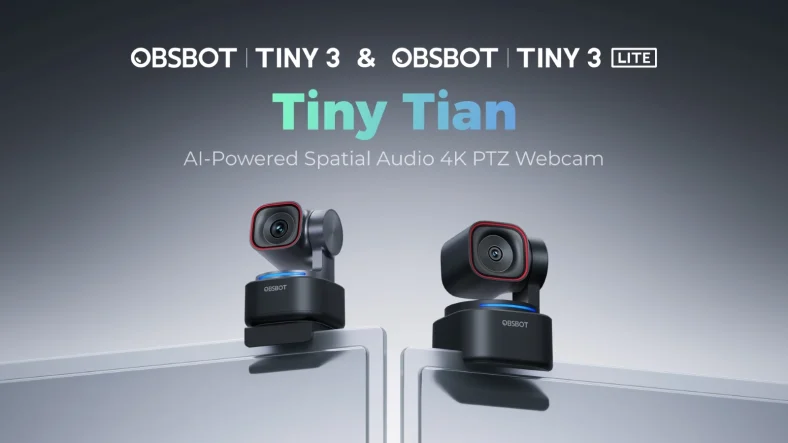
Obsbot has released the Tiny 3 and Tiny 3 Lite 4K webcams. Both models feature pan tilt zoom (PTZ) capabilities, voice and gesture controls, 4K video at 30fps and 1080p at 120fps. The Tiny 3 has a 1/1.3 inch sensor, 50 megapixel native resolution, magnetic mount and a carrying case. The Tiny 3 Lite has a 1/2 inch sensor, 48 megapixel native resolution, fixed mount and no case. Both models have MEMS solid state mic arrays with omnidirectional and directional pickups. The Obsbot Center software includes background replacement, teleprompter, avatar mode, virtual voice and eye contact (Nvidia RTX 3050+ required). The CNET review gave the Tiny 3 Lite a score of 8.6 out of 10 and an Editors‘ Choice award, calling it the best value at 199 USD. The premium Tiny 3 is 349 USD. This review covers the specifications, video quality, audio performance, tracking features and software capabilities.
Obsbot Tiny 3 Vs Tiny 3 Lite Specifications
| Feature | Obsbot Tiny 3 | Obsbot Tiny 3 Lite |
|---|---|---|
| Price | 349 USD | 199 USD |
| Sensor | 1/1.3 inch | 1/2 inch |
| Native Resolution | 50 megapixels | 48 megapixels |
| Max Video Resolution | 4K at 30fps | 4K at 30fps |
| Max fps | 4K at 30fps, 1080p at 120fps | 4K at 30fps, 1080p at 120fps |
| Native Field of View | 70 degrees | 66.9 degrees |
| PTZ (Pan Tilt Zoom) | Yes | Yes |
| Focus Type | PDAF / MF | PDAF / MF |
| HDR | Yes | Yes |
| Built in Mic | Yes (MEMS array) | Yes (MEMS array) |
| Mount | Magnetic (adjustable height) | Fixed mount |
| Vertical Video | Yes | Yes |
| Carrying Case | Included | Not included |
| Software | Obsbot Center (Windows/Mac) | Obsbot Center (Windows/Mac) |
| Release Date | January 2026 | January 2026 |
Both webcams support 1080p at 120fps, which is unique in the webcam market at this price point. The Tiny 3 Lite lacks the magnetic mount and case but offers 90 percent of the features for 150 USD less.
Video Quality And HDR Performance
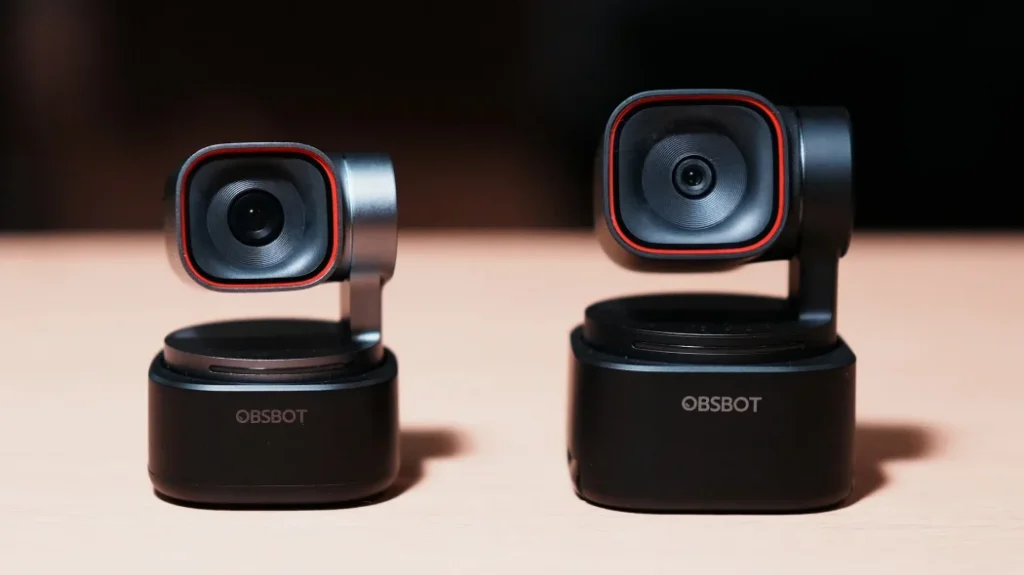
Both webcams produce excellent video quality. The Tiny 3 has a larger sensor (1/1.3 inch vs 1/2 inch) and better HDR implementation. It can simultaneously increase gain in dark areas and decrease it in bright areas, providing more even exposure across the frame. The Tiny 3 Lite performs similarly to competitors, effectively reducing bright areas while leaving shadows and midtones relatively untouched. Both have automatic white balance, autoexposure, reasonably low noise and good color desaturation in low light. The 1080p at 120fps mode captures motion more distinctly than 60fps.
Audio Performance
Both Tiny 3 webcams incorporate a MEMS solid state mic array with omnidirectional and directional pickups. MEMS technology enables more compact mics that are less prone to distortion and have a broader frequency response.
| Audio Mode | Description |
|---|---|
| Pure Audio Mode | Unprocessed audio for music recording (fuller, flatter) |
| Spatial Audio Mode | Natural sounding speech with small amount of noise cancellation |
| Dual Directional Mode | For podcasting (front and back pickup) |
| Front Only Directional Mode | Voice clarity, boosts higher frequencies |
| Smart Omni Mode | AI processed audio from everyone in room (sounds muffled) |
The reviewer‘s favorite is Spatial Audio Mode (default). Smart Omni Mode is the only option when streaming at 1080p 120fps, which is disappointing.
Tracking Features
Obsbot has improved tracking accuracy over the Tiny 2. Tracking features include:
- Voice tracking: Supplements camera tracking, works in directional modes.
- Hand tracking: Improved but has trouble determining left and right. Not available in desktop mode (overhead presentations).
- Object tracking: Draw a bounding box in preview window. Works well for how to videos.
Autofocus is fast and accurate. However, both cameras adjust focus a little too often. The reviewer turns AF off most of the time.
Obsbot Center Software
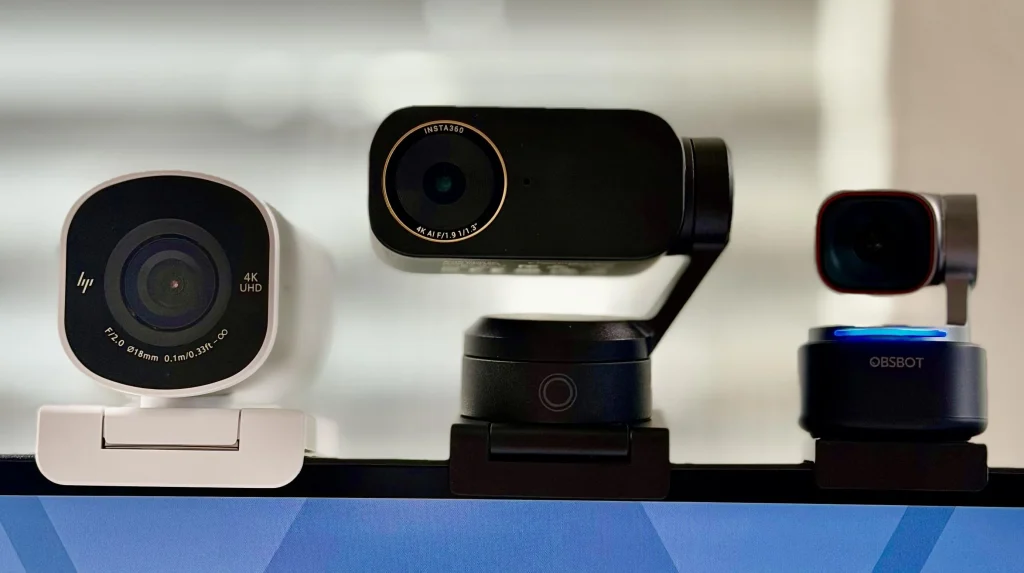
Obsbot Center is the virtual camera software for the Tiny 3 series. Features include:
| Feature | Notes |
|---|---|
| Background Replacement | Works better than conferencing software; advanced removal works well |
| Teleprompter | Basic but useful |
| Eye Contact | Uses Nvidia Maxine (requires GeForce RTX 3050 or better) |
| Avatar and Virtual Voice | Motion capture profiles; limited options (4 characters); requires account; Windows only; props do not have collision detection |
| Gesture Controls | Can be disabled (reviewer flails hands and triggers accidentally) |
The avatar and virtual voice features are proof of concept at the moment and not fully baked.
Obsbot Tiny 3 Lite Price And Value
The Tiny 3 Lite is 199 USD. The premium Tiny 3 is 349 USD. The Lite offers 90 percent of the features for 150 USD less. The CNET review gave the Tiny 3 Lite a score of 8.6 out of 10 and an Editors‘ Choice award, making it the best value robotic webcam on the market. Obsbot is offering trade in discounts of 20 to 100 USD through the end of February for models from all brands.
Pros And Cons Of Obsbot Tiny 3 Lite
Pros
- 199 USD (much better value than 349 USD Tiny 3).
- 4K video at 30fps, 1080p at 120fps (unique in this price range).
- PTZ (pan tilt zoom) with voice and gesture controls.
- Excellent tracking (voice, hand, object).
- MEMS mic array with spatial audio and pure audio modes.
- Obsbot Center software (background replacement, teleprompter).
- Small form factor (fits on laptop display).
- Editors‘ Choice award from CNET.
Cons
- 199 USD is still expensive (competitors are cheaper).
- Fixed mount (unlike Tiny 3‘s magnetic adjustable mount). Can fall off thick monitors.
- No carrying case included (Tiny 3 has one).
- Smart Omni Mode sounds muffled (required for 1080p 120fps streaming).
- Avatar and virtual voice features are undercooked (proof of concept).
- Eye contact requires Nvidia RTX 3050 or better.
- Hand tracking has trouble determining left and right.
- Hand tracking not available in desktop mode.
Frequently Asked Questions (FAQs)
What is the difference between Obsbot Tiny 3 and Tiny 3 Lite?
The Tiny 3 has a larger sensor (1/1.3 vs 1/2 inch), better HDR, magnetic adjustable mount, carrying case and costs 349 USD. The Tiny 3 Lite has a fixed mount, no case and costs 199 USD. Both have the same video resolutions (4K at 30fps, 1080p at 120fps) and tracking features.
Does the Obsbot Tiny 3 Lite work with Mac?
Yes. Obsbot Center software runs on Windows and MacOS.
What is 1080p at 120fps used for?
It captures motion more distinctly than 60fps. Useful for streamers, musicians and presenters who move quickly.